
Other Great Tips!
How to Fix a DVD That Skips
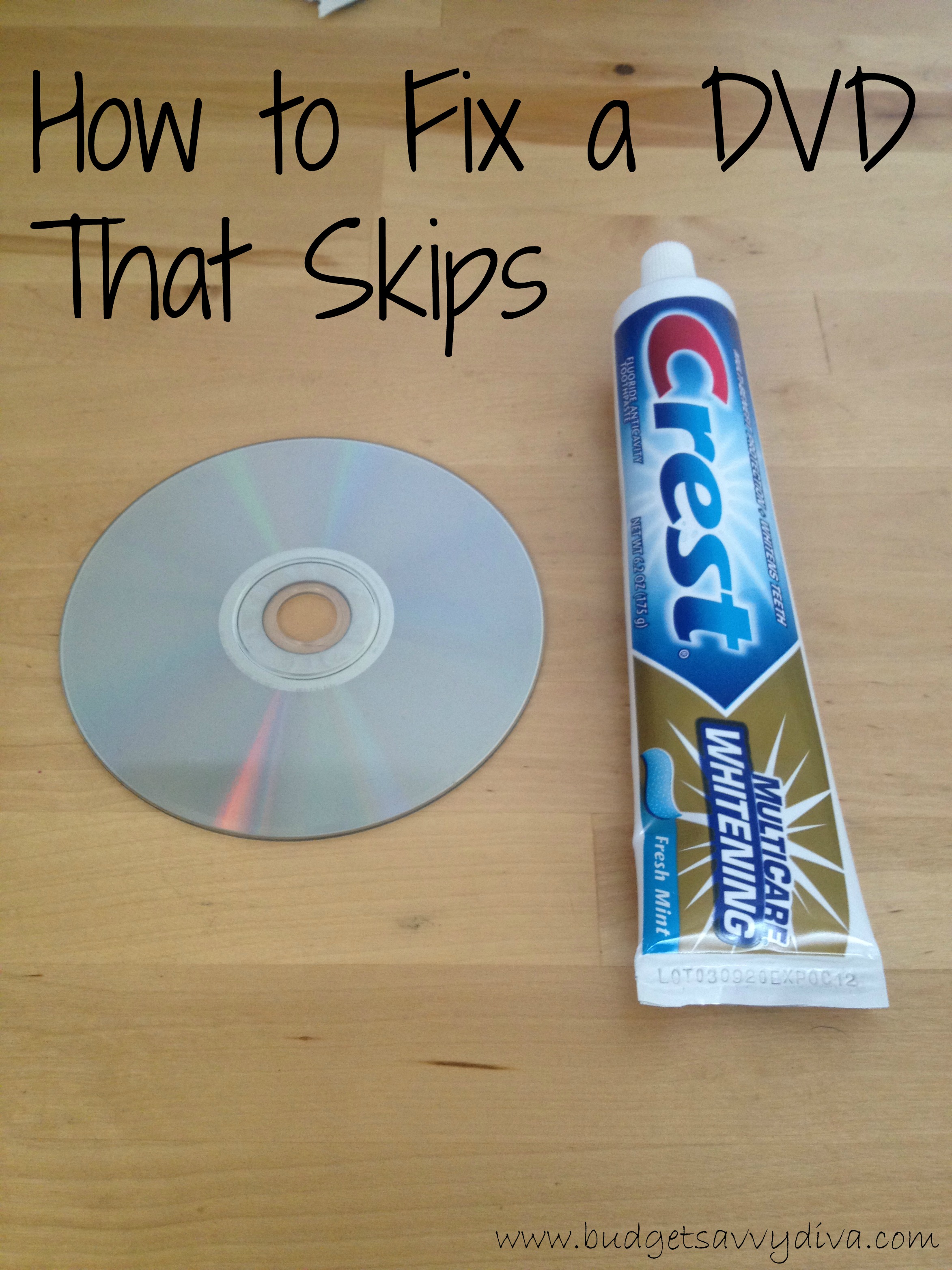
Get a tube of toothpaste
Put four, evenly spaced dots of toothpaste along the back of the DVD
Spread out the dots with your fingers until the toothpaste becomes dry and sticky
Rinse the DVD in warm water, gently rubbing off the toothpaste
Pat dry the DVD with a soft towel


{ 4 comments… read them below or add one }
Does this really work? My 2 year old loves The Cat in The Hat movie but it has a few scratches on it and it freezes in some parts. I guess it doesn’t hurt to try. The DVD has to get replaced anyway. Will try it out now!
Hi Joanna,
Yes this does work but I want to add a couple of pointers:
(1) Sometimes the skipping/freezing is caused by dirty/oily finger marks on the disc, so before trying the toothpaste method just try washing the disc with a generous amount of dishwashing detergent and water.
(2) If the dishwashing liquid doesnt work and you resort to using the toothpaste then make sure you are wiping from the center to the outside of the disc in swiping motions, DO NOT wipe in a circle around the disc. The idea is to use the mildly abrasive toothpaste to smooth out scratches on the surface. The resulting improvement will depend on the severity of the damage to the disc.
It works but you will have to re-do it after awhile. It only lasts for a few replays I have noticed.
In addition to cleaning your DVDs, remember to clean the laser lens, too. You can purchase special discs for cleaning your lens wherever computer and DVD supplies are sold. Cleaning really helps, especially if you use your disc player often.